UK launch planned · Christmas 2027
For when they’re ready to start doing more on their own. Pip gives them calls, messages, live location and arrival alerts — without access to social feeds, an open browser or unrestricted apps
You stay connected while they get a little more independence.
Stay in touch
Calls and messages with people you approve.
Know where they are
Live location and arrival alerts when they’re out on their own.
Give them more freedom
A proper first phone for school, friends, clubs and everyday independence.
Without giving them everything
No open browser, social feeds or unrestricted app store.

The first-phone moment
The moment they start needing a little more independence.
Walking home from school. Going to football without you. Meeting a friend. Popping to the shop. There comes a point where being able to call home starts to make sense.
Useful when they need it. Easy to put down when they don’t.
That shouldn’t have to mean giving them an adult smartphone.
Calls, messages, photos, missions, collections and things to earn.
For you
Approved contacts, location, school mode, bedtime and capability controls.

Built for the space in between
Between no phone and full smartphone.
Pip gives children the useful parts of having their own phone first — then lets you decide what comes next as their independence grows.
01
Call
02
Message
03
Locate
04
Grow
Inside Pip
See what they can actually do.
Simple tools for connection, discovery, missions and responsibility.
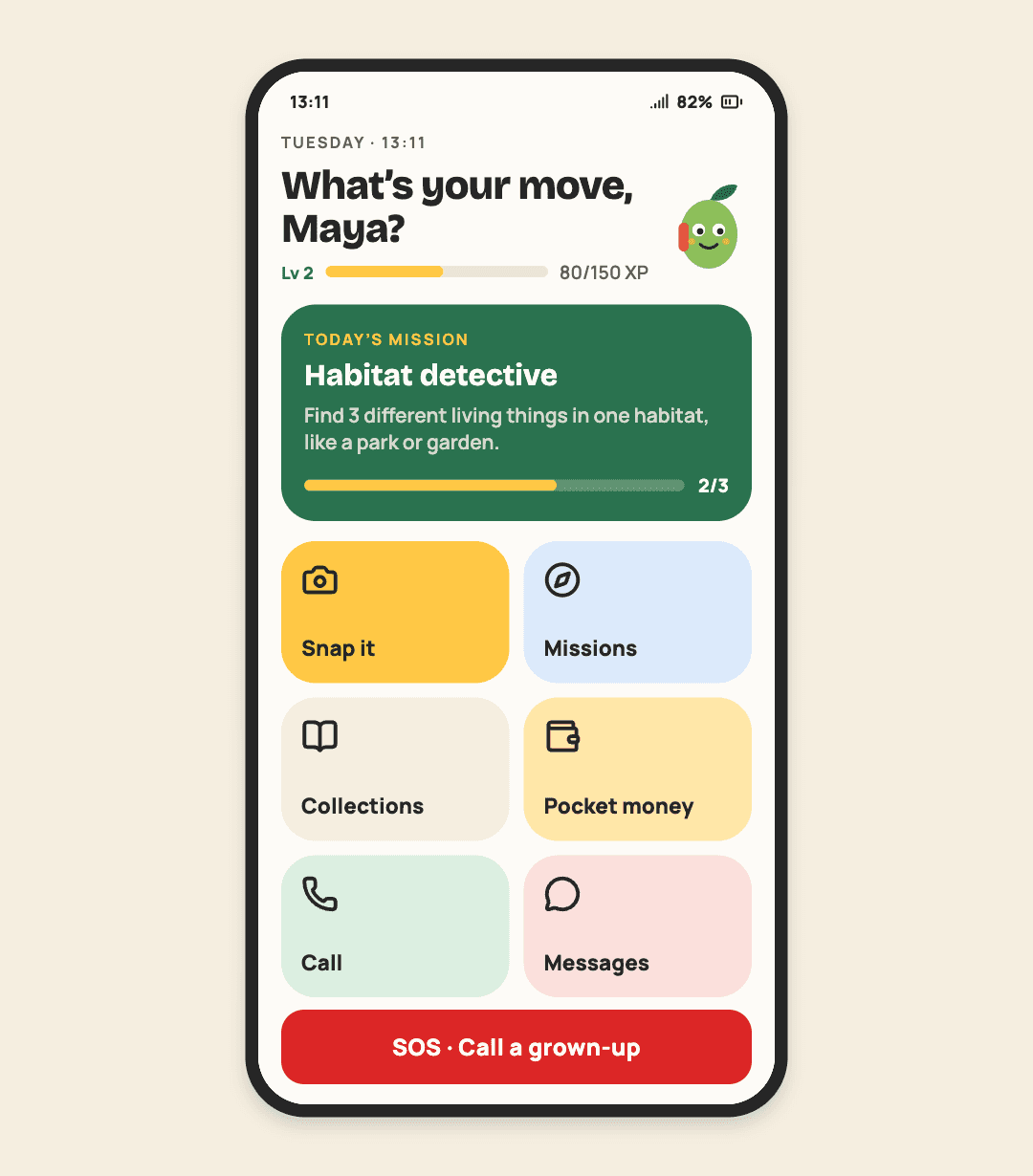
Home
Simple enough to understand at a glance, with the things they actually use.

Missions
Football, photo hunts, mysteries, nature and challenges you create.
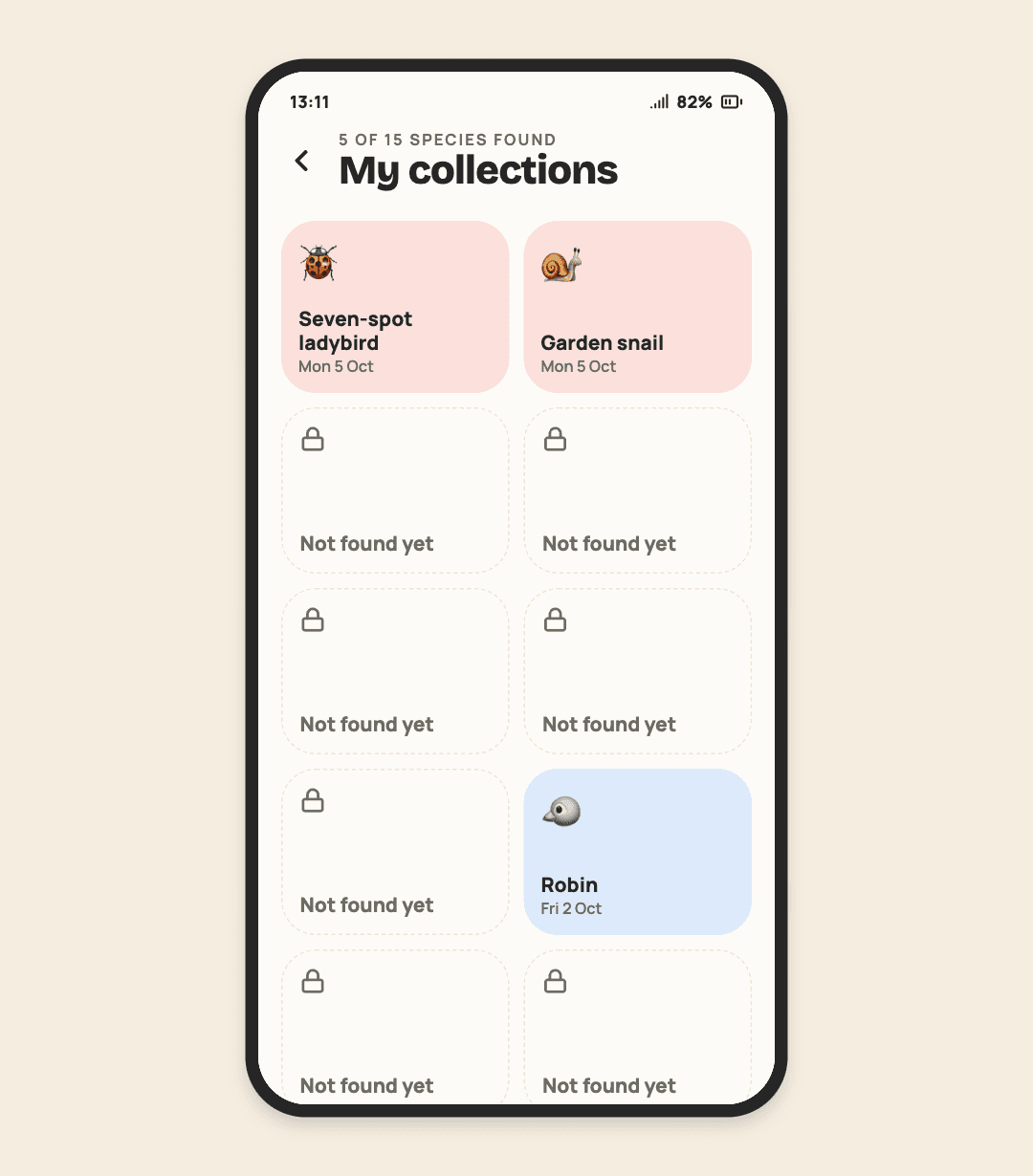
Collections
Keep the things they discover, complete and photograph along the way.

Pocket money
See what they’ve earned, what they’re saving for and what comes next.
Pip in real life
A little more freedom, with a way home in their pocket.

Discovery

Independence

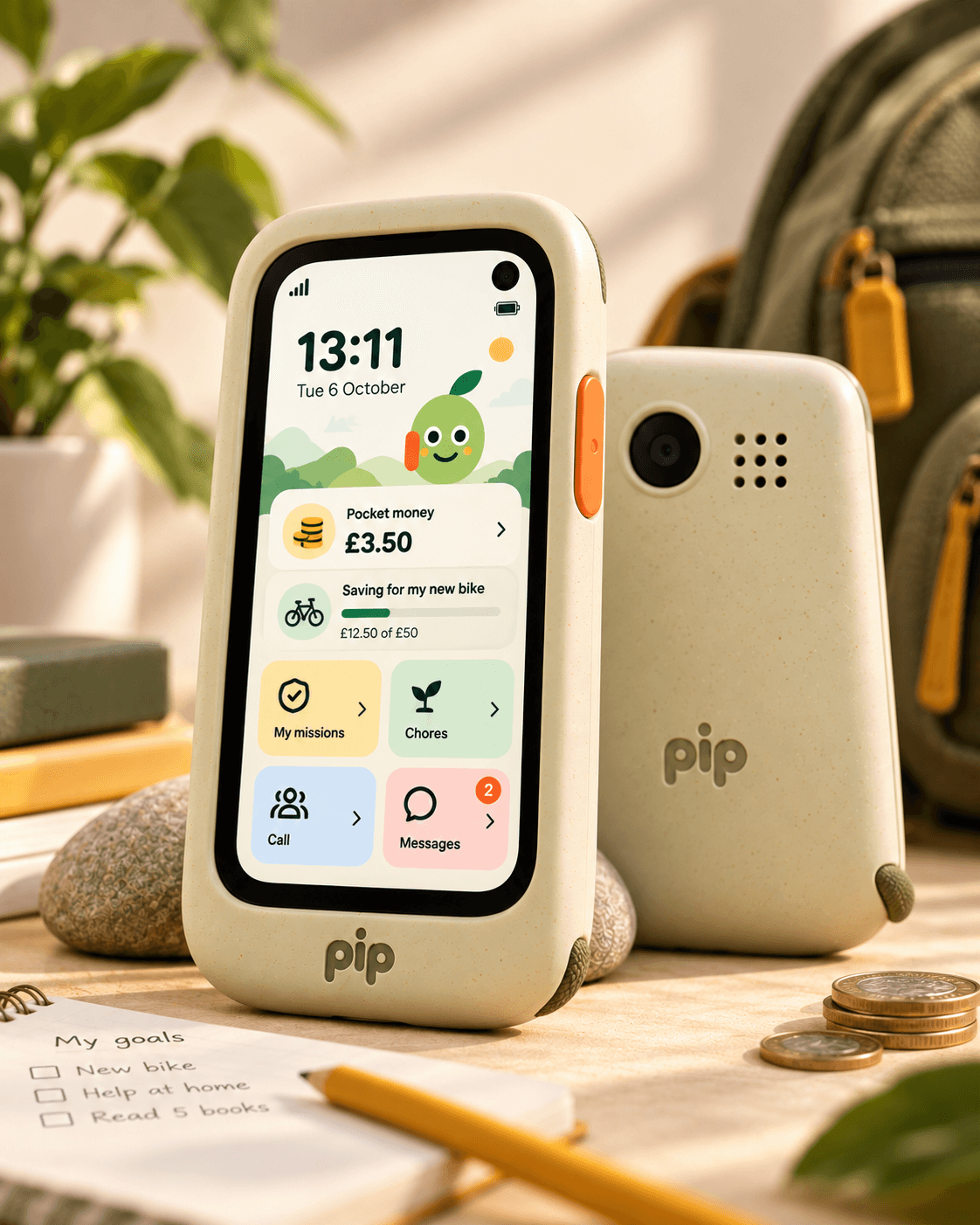
For grown-ups
Their independence. Your boundaries.
Choose who they can call and message. See their location. Set school and bedtime modes. Decide which capabilities are switched on.
More freedom doesn’t have to mean less control.
Calls & messages
Approved calls
Only people in their trusted circle.
Text messaging
One-to-one messaging with approved contacts.
Photo messages
Add richer messaging when you want to.
Ask to add a friend
Requests stay pending until you approve them.
Quick check-ins
Simple replies such as “On my way”.
Explore & create
Missions
Sport, photo, mystery, nature and family challenges.
Snap It camera
Take photos without feeds, filters or public posting.
Discovery
Identify and learn about things they find.
Collections
Save discoveries, achievements and completed challenges.
XP & badges
Positive progress without punitive streaks.
Money & responsibility
Pocket money
See a simple family-managed balance.
Pay
Tap to pay for approved everyday purchases with parent-set controls.
Savings goals
Save towards something they actually want.
Parent-set rewards
Attach money or XP to jobs and missions.
Responsibilities
Chores, homework completion, goals and everyday things to remember.
My day
A simple view of what’s happening next.
More independence
Location
See the device location when reassurance is useful.
Arrival alerts
Know when they reach home, school or another chosen place.
Maps & directions
Add navigation when they’re ready to travel further.
Music
An optional later capability rather than an always-on default.
Notes
A simple useful tool as Pip becomes more grown-up.
Boundaries
School mode
Quiet everything non-essential during class.
Bedtime mode
Reduce non-essential features at night.
Contact approval
New people cannot simply add themselves.
Always
No open browser
No general-purpose web browsing in the child experience.
Built in
No open app store
Capabilities are curated rather than freely downloadable.
Built in
Always there
SOS
Fast access to a grown-up when they need help.
Always
Emergency calling
Emergency access remains available regardless of modes.
Always
Battery & connectivity
Useful device status in the parent experience.
Always
Software updates
Secure updates keep Pip current as the product evolves.
Always
Make it theirs
Your phone. Make it yours.
Dinosaur today. Black silicone in a few years. Swap cases, straps and charms as their taste changes — without replacing the phone underneath.

Why I’m building Pip
I understand why a phone starts to feel necessary.
My family is getting to the age where they’re starting to do more without an adult right beside them — walking places, going to after school clubs, seeing friends and wanting a bit more independence.
That’s when the first-phone question starts to feel real. You want them to be able to call you, message you and know they can get help if they need it. But it feels like a huge jump for that simple need to come bundled with social feeds, an open internet and everything else on a full smartphone.
I wanted something in between: a phone that lets kids go a little further while giving the adults around them the reassurance that they can still stay in touch and see where they are.
That’s what Pip is meant to be — a tool for giving them more freedom, one step at a time, without handing them everything at once.
Oliver · Founder, Pip
FAQ
Questions parents ask.
How is Pip different from another kids’ phone?
Can my child download apps or browse the web?
Who can they call and text?
Will they outgrow Pip?
What happens to their photos and data?
When can I get one and what will it cost?
Founding families
Be there from the beginning.
Get product and launch updates, and hear about opportunities to help shape Pip. Joining the waitlist is an expression of interest, not a purchase or a reserved phone.
Join the Pip waitlist. No payment is taken here.